1 Month
Academic Project
Disruptive.io
Background
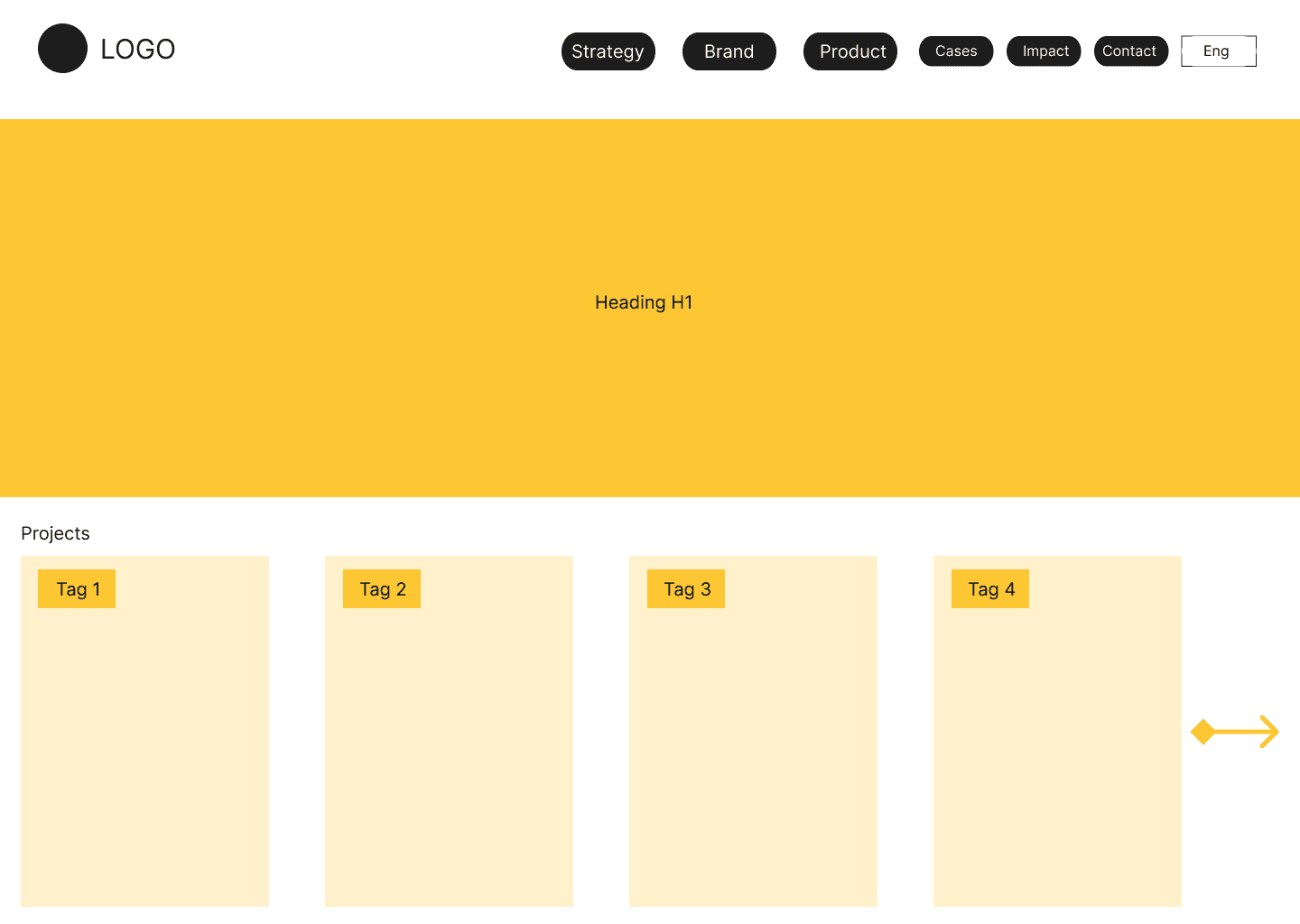
Conducted a comprehensive IA audit using tools such as Screaming Frog, card sorting and tree mapping. The redesigned IA delivers clearer navigation, a dedicated “Work” hub, simplified labeling, and a more cohesive storytelling structure across the site.
I analyzed the existing website structure, identified information architecture and discoverability issues, and proposed a redesigned navigation and content hierarchy to improve clarity and project visibility.
Core problem
Disruptive.io is a digital branding agency showcasing its services and case studies through a portfolio-style website.
Problems identified
Outdated visual design: old layout, inconsistent styling, and minimal branding.
Poor navigability: cluttered menus and confusing pathways for basic tasks.
Weak product presentation: no visual hierarchy.
Proposed redesign
Consideration: Organize project categories with cleaner labels and improved navigation flow.
Conversion: Redesign project pages with clearer photos, structured information, and simplified ordering.
Retention: Add confirmation page improvements and clearer follow-up cues to encourage return visits.
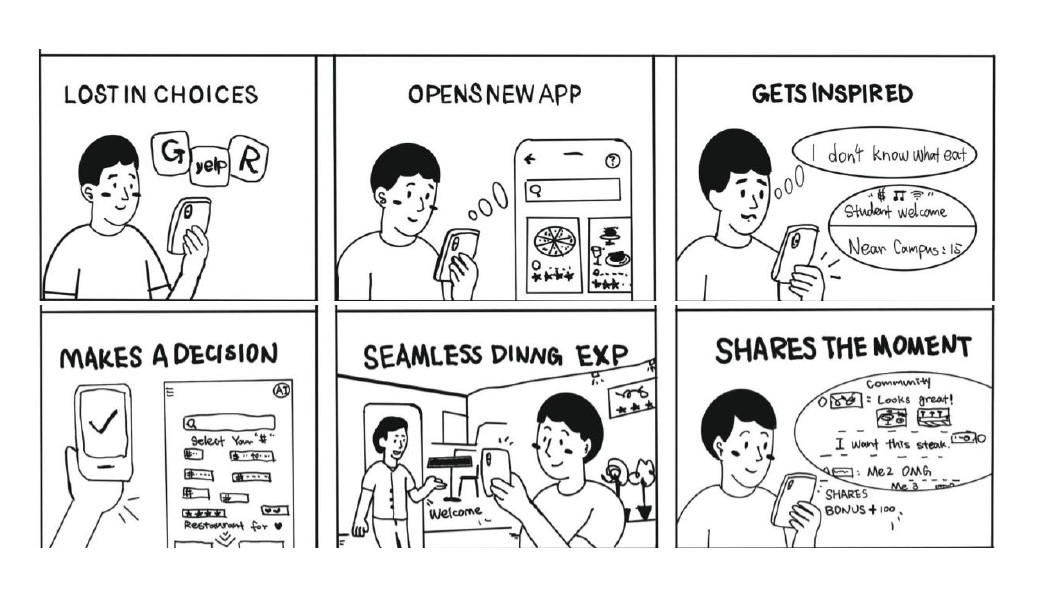
Jobs-to-Be-Done: Designed for Business Clients & Peers
Prospective Business Buyers: The existing IA hid project work behind deep navigation layers, making it difficult to validate credibility.
Creative Peers / Designers / Industry Audience: The lack of a clear “Work” or “Projects” section reduced discoverability and broke the storytelling flow that peers expect.
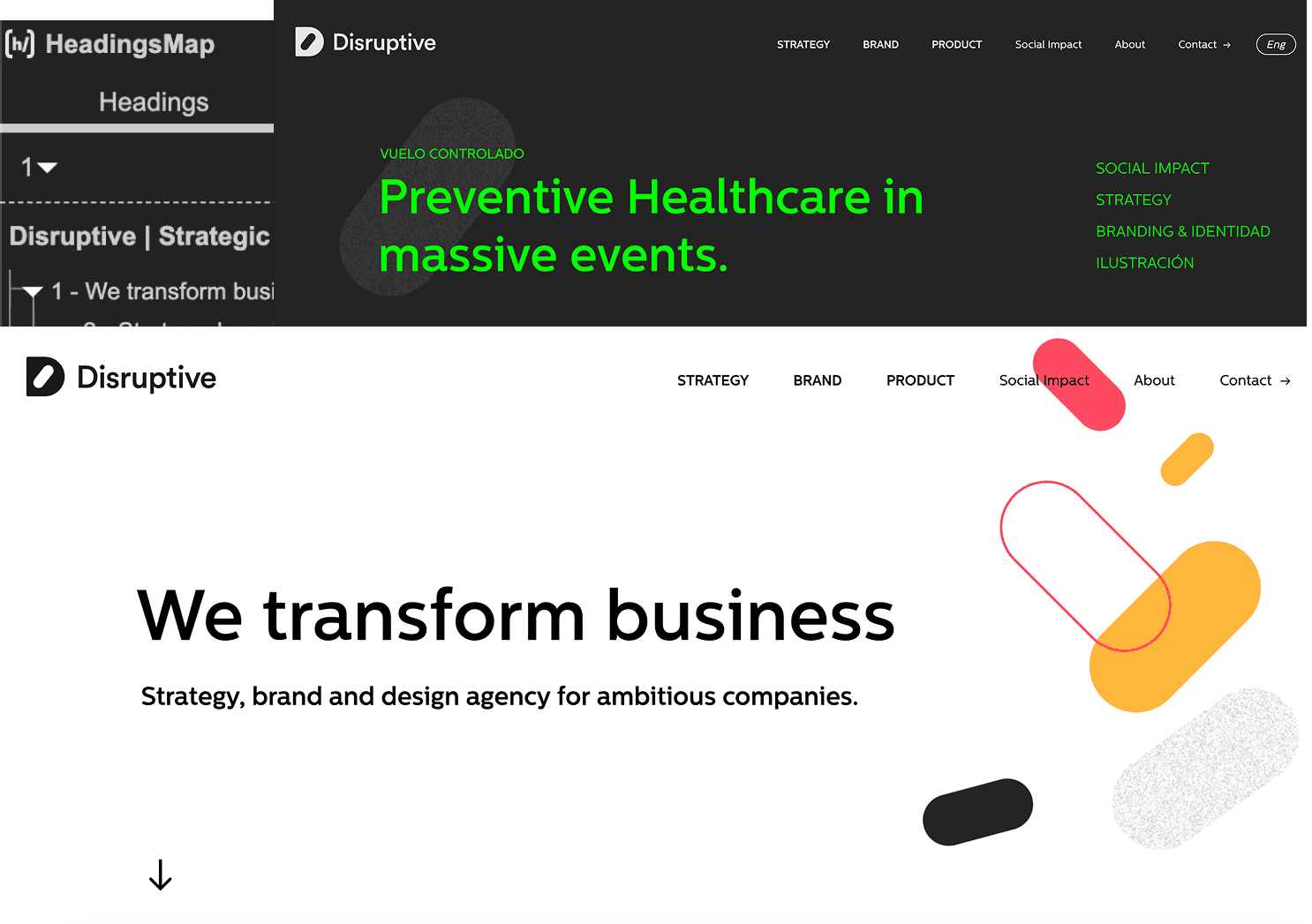
Crawl Analysis Using Screaming Frog
Used Screaming Frog to crawl the entire site and map its structure.
The data showed that project pages were buried deep, lacked cross-linking, and were nearly impossible to reach from the homepage or Services.
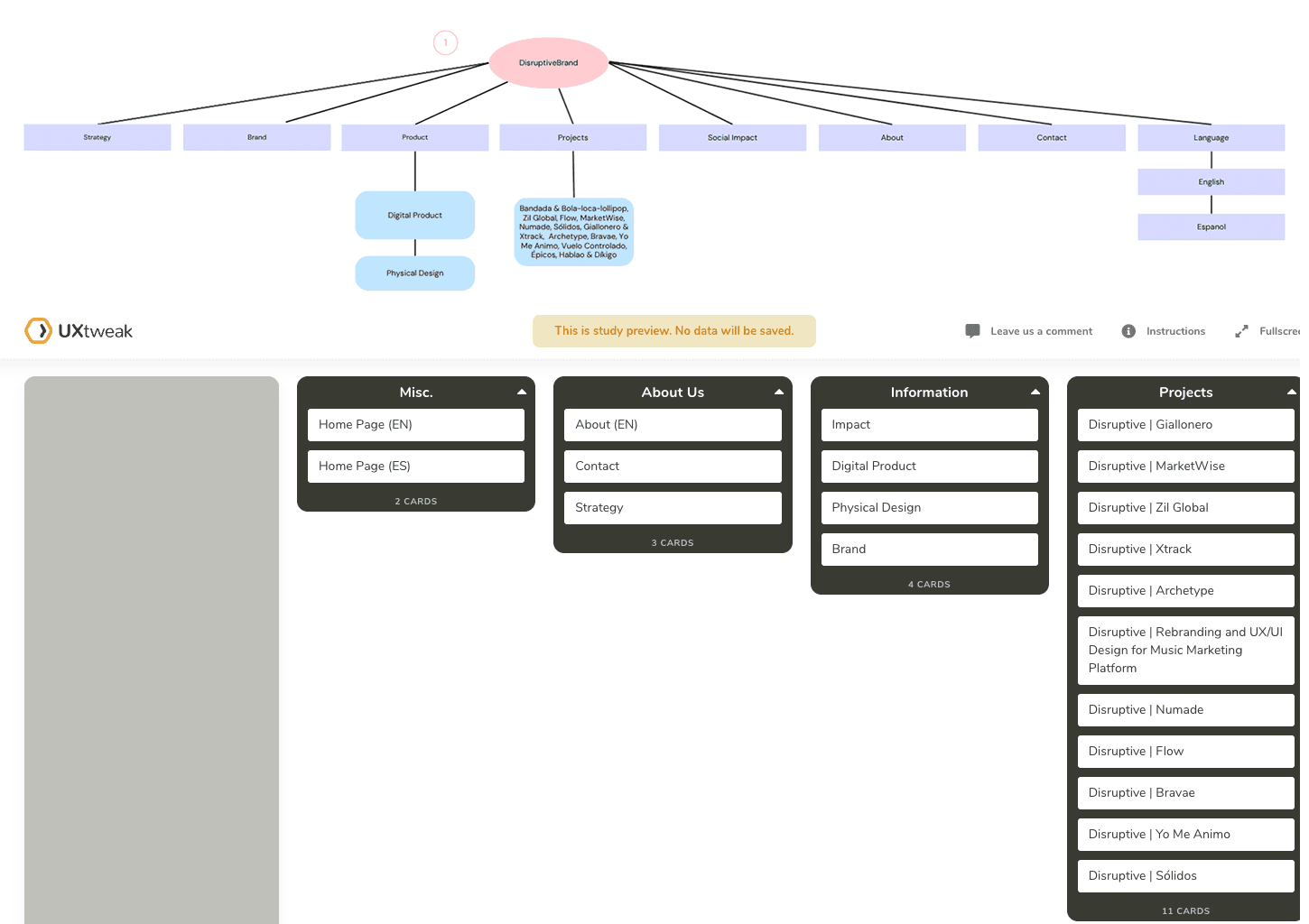
Card Sorting — Users Expected a Top-Level “Work” Section
Used UX Tweak to understand how users group content to validate navigation labels and hierarchy:
Users grouped Strategy, Brand, and Product cleanly under Services.
They expected Projects / Work to be a top-level menu item, not hidden.
Most placed Social Impact under About, rather than as a standalone section.
Tree Testing — Isolated Architecture Broke User Pathways
Tree Mapping visualized the site’s hierarchy, content depth, navigation paths, and discoverability gaps.
The structure was flat but disconnected, creating isolated content “islands.”
Service pages were easy to locate, but project pages were buried behind deep, inconsistent paths.
Minimal cross-linking made projects difficult to discover from Services or the homepage.
Results & Insights
Proposed Information Architecture Improvements
1. Rebuild the Navigation Structure
Add a top-level Projects/Work hub
Ensure Services, Work, About, and Contact exist at the same hierarchy level
Improve cross-linking between Services → Projects → About
2. Strengthen Storytelling and Discoverability
Connect case studies to related services
Add clearer section labels and consistent H1–H3 hierarchy
Reduce crawl depth for project pages
3. Improve Mobile Experience
Add a clear hamburger menu with mirrored desktop navigation
Optimize spacing, readability, and visual hierarchy for small screens
4. Balance Top-Down and Bottom-Up IA
Top-down: clarity around core services
Bottom-up: strong project pathways and portfolio browsing
Support both business clients (task-driven) and creative peers (exploratory)